
Electronics Manufacturing
PCB layout
Layout, routing and Gerber output for your schematic
Kenoxis Technologies has an R&D team of circuit designers, development engineers, and MCU and embedded system programmers to help you design a complex PCB. Send the circuit diagram, netlist, component information and design requirements.

Design PCB | PCB Design Services | PCB Layout
The steps involved in PCB design or PCB layout are the same whether you design it yourself or from us. The difference is in the experience. The general steps are as follows:
- Step 1. Draw the PCB diagram.
- Step 2. Draw the layout of the circuit. In this step, you can determine the size of the printed circuit, the placement of components and the number of boards.
- Step 3. PCB layout software automatically performs cable routing when placing components.
- Step 4. Check the PCB layout and confirm.
A PCB layout program is also required to draw the schematic and design the PCB layout. Common software includes Altium Designer, Pads, OrCAD, Eagle and P-CAD.
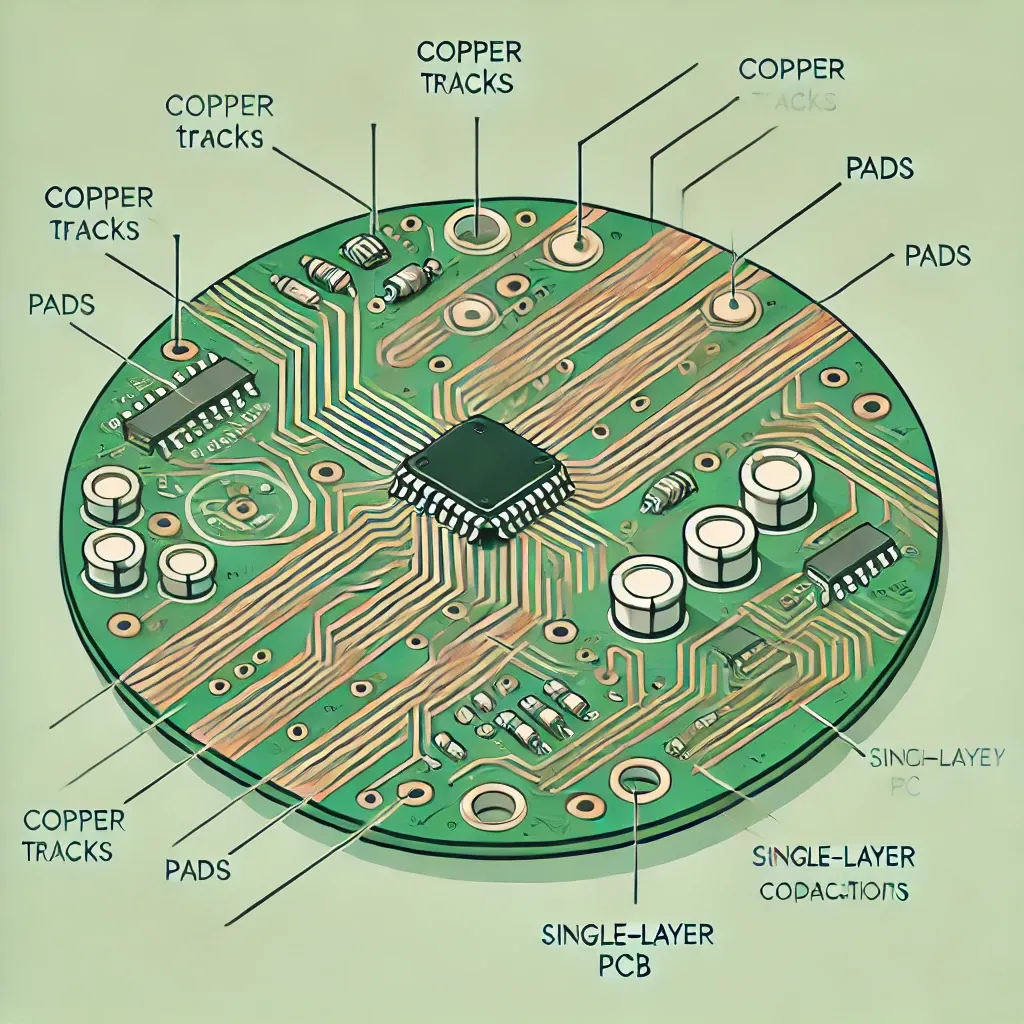
In the 2nd step, the PCB layout process can be more detailed:
-
Define and confirm design requirements, prepare component information and build a database.
-
Optimize layout and validate
-
Run post-synthesis functional simulation
-
Optimize wires
-
Import netlist
-
Run functional simulation before synthesis Develop initial layout
-
Run PCB wire-up
-
Manually do all wires and check
-
Print design.
Kenoxis Technologies has a R&D team of circuit designers, development engineers, MCU and embedded system programmers to help you design a complex PCB to perfection. When you order from us, you don’t need to go through the above steps to get the final PCB layout, you just need to provide us with the circuit diagram, network list, component information and design requirements..

How to Generate Gerber Files
When designing a PCB, each layer of the PCB requires a Gerber file to be created for the PCB manufacturer to understand. Altium Designer Gerber files must be generated with three outputs, the steps are as follows: First Output
- Select “File” > “Production Outputs” > 、“Gerber Files” from the DXP menu bar.
- Level down. Click “Plot Layers” and select “Used”
- Click “OK” to stop printing
Print again
- In the layer form, select “Plot Layers” > “All Off”. and select “Mechanical (x)” from the layer name on the right.
- Set the following requirements in the Drill Drawing form: Under Drill drawing graphics, select “Plot All Used Layer Pairs”; Under Drill Guide Layer Pairs, select “Plot All Used Layer Pairs”.
- Click “OK” to confirm the result.
Third Output
- Click “File” > “Finish Outputs” > “NC Drilling Files”, select “Leading/Trailing Zeros” in the middle of the dialog box and select “Suppress Leading Zeros”.
- Then click “OK” in the lower right corner. Complete the third result.

PCB Design Service Range and Process
Kenoxis Technologies offers one-stop R&D and PCBA production. Kenoxis Technologies PCB design services include:
- PCB package dimension statement (you must provide a component data sheet)
- Resistance calculation, stack design, quality control, technology inspection and electromagnetic inspection
- PCB design must be FPC, HDI, rigid flexible, fast, high frequency, high power, analog, digital analog etc.
Provide technical assistance including schematic analysis, PCB design, electrical principle design debugging and DFA design quality and reliability assurance.
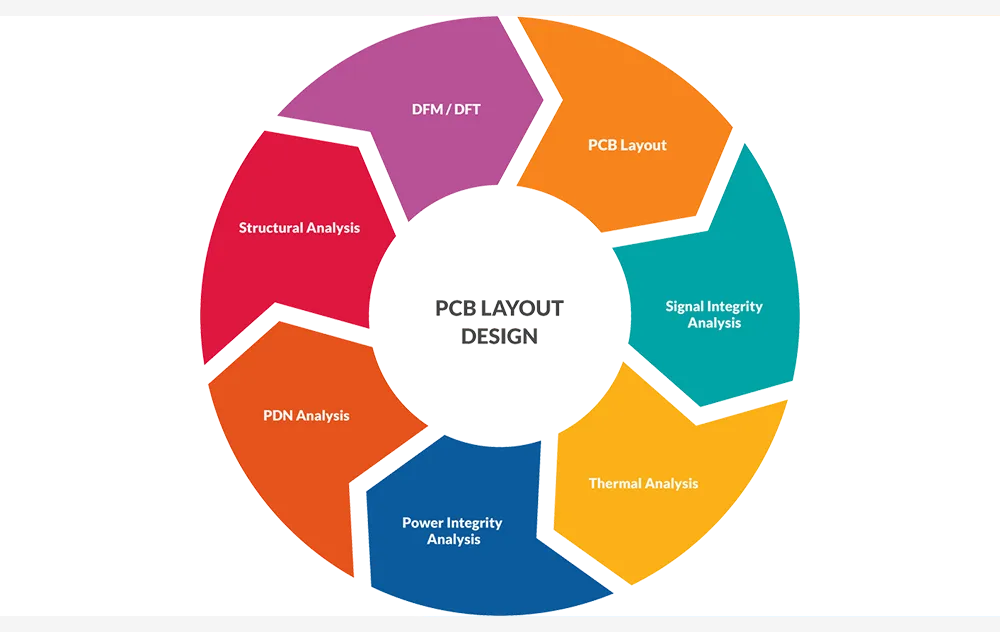
Make a PCB Layout Design
Kenoxis Technologies offers one-stop R&D and PCBA production. Kenoxis Technologies PCB design services include:
- PCB package dimension statement (you must provide a component data sheet)
- Resistance calculation, stack design, quality control, technology inspection and electromagnetic inspection
- PCB design must be FPC, HDI, rigid flexible, fast, high frequency, high power, analog, digital analog etc.
Provide technical assistance including schematic analysis, PCB design, electrical principle design debugging and DFA design quality and reliability assurance.